A custom eLearning development company must test an online learning course carefully before it is delivered to learners. Quality testing is not limited to checking whether the lessons open correctly. It includes reviewing content, design, navigation, technology, accessibility, assessments, performance, and the overall learning experience.
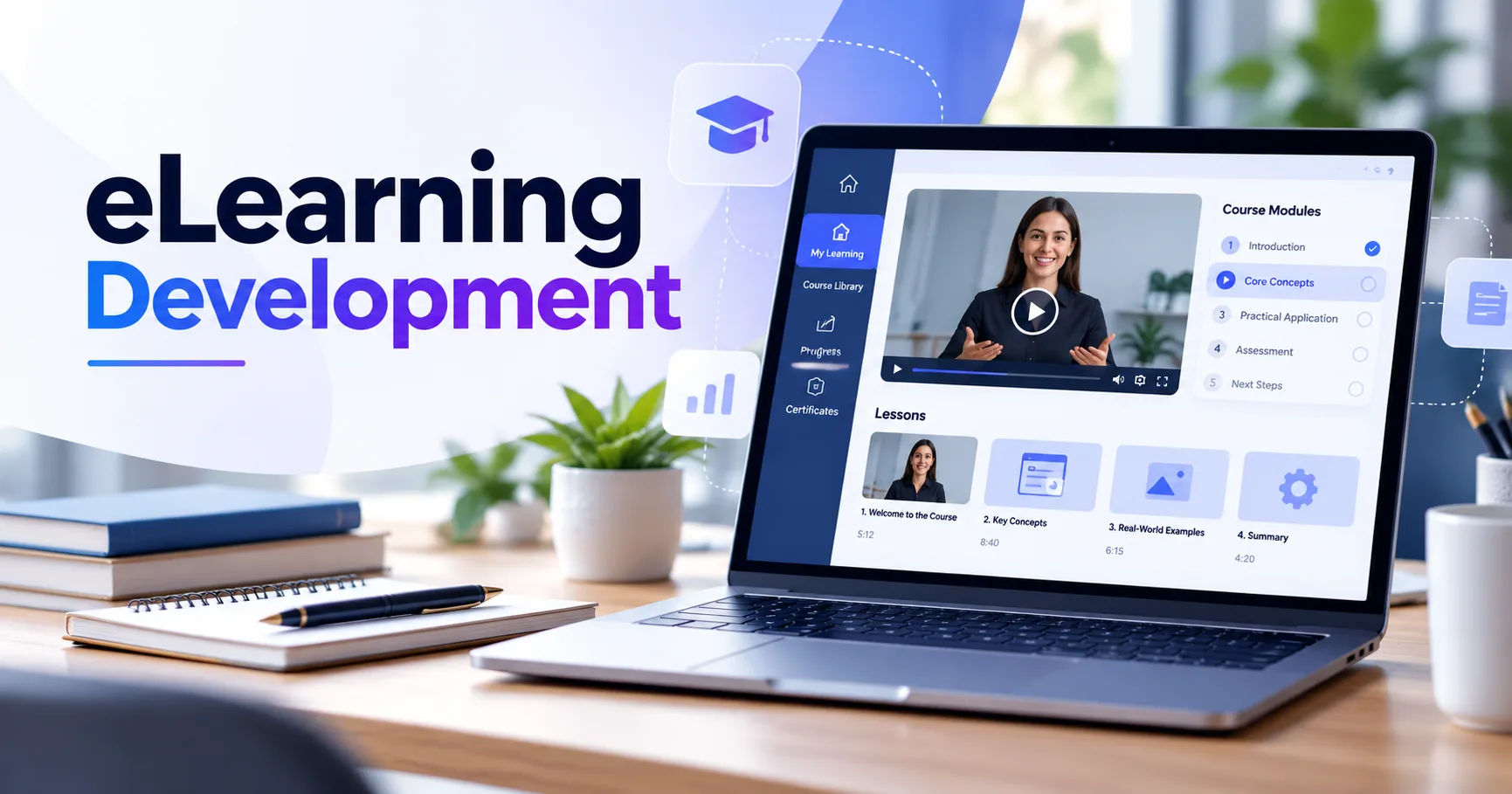
A well-tested eLearning course should be accurate, easy to navigate, visually consistent, responsive, and technically reliable. It should also help learners understand and remember the subject instead of simply presenting information on a screen.
Because eLearning combines education with technology, quality assurance requires several different types of testing. Each stage helps identify problems that could affect learning outcomes or create frustration for users.
Why Quality Testing Matters in eLearning
Quality directly affects how learners interact with a course. A small technical issue can interrupt a lesson, while unclear instructions can prevent learners from completing an activity correctly.
For businesses, poor-quality training can also waste time and money. Employees may struggle to complete required courses, managers may receive inaccurate completion data, and organizations may have difficulty measuring whether training has achieved its purpose.
A custom eLearning development company therefore treats quality assurance as an important part of the development process rather than something performed only at the end.
Testing helps confirm that the course works as intended and supports the learning objectives established during planning.
Content Quality Testing
Content is one of the first areas that needs careful review. Even an attractive course can be ineffective if the information is inaccurate, outdated, confusing, or poorly organized.
Checking Accuracy
Subject matter experts may review the course to confirm that facts, procedures, terminology, statistics, and examples are correct.
This is particularly important for courses covering technical, financial, medical, legal, safety, or regulatory subjects.
Reviewers may compare the course against approved reference materials and organizational policies.
Checking Clarity
Content should be understandable to the intended audience. A course designed for beginners should not assume advanced knowledge without explaining important concepts.
Testers look for unclear sentences, unnecessary jargon, confusing instructions, and explanations that may be difficult for learners to follow.
The writing should also maintain a consistent tone throughout the course.
Reviewing Learning Objectives
Each section should connect to its intended learning objectives.
A custom eLearning development company may review whether activities and assessments actually measure what learners were expected to learn.
For example, if an objective asks learners to apply a procedure, a simple definition-based multiple-choice question may not provide enough evidence of practical understanding.
Instructional Design Testing
Quality testing also examines whether the course works from a learning perspective.
Instructional designers may review the sequence of lessons, difficulty level, activities, examples, feedback, and assessments.
Testing the Learning Flow
A course should introduce concepts in a logical order.
Learners generally need the appropriate background information before they can successfully complete a more advanced activity.
Testers may go through the course as a learner would and identify places where information appears too early, too late, or without enough explanation.
Testing Activities
Interactive exercises should have a clear purpose.
For example, a simulation should help learners practice a skill rather than simply add visual activity to a page.
A custom eLearning development company may test every interaction to ensure that buttons, drag-and-drop activities, scenarios, simulations, and other exercises respond correctly.
Reviewing Feedback
Feedback is especially important in assessment activities.
If a learner selects an incorrect answer, the course should provide useful information when appropriate. The feedback can explain why the answer is incorrect and guide the learner toward the correct concept.
Visual Design and User Interface Testing
The appearance of a course can influence how easily learners find and understand information.
Quality assurance teams check whether visual elements are consistent throughout the course.
Checking Layout
Reviewers may examine headings, text blocks, images, icons, buttons, charts, and other visual components.
They look for problems such as overlapping elements, incorrect spacing, cropped images, inconsistent fonts, or text that is difficult to read.
Checking Navigation
Navigation should be predictable.
Learners should understand how to move forward, return to previous sections, access resources, and complete required activities.
A custom eLearning development company may test every navigation button and link to make sure it leads to the correct location.
The team may also verify whether required screens are properly tracked before a learner can proceed.
Functional Testing
Functional testing focuses on whether the technical features of the course work correctly.
This can include testing menus, buttons, videos, audio, animations, assessments, downloadable resources, pop-ups, and other interactive elements.
Testing Buttons and Links
Every clickable element should perform its intended function.
For example, a button labeled "Next" should move the learner to the appropriate screen. A resource link should open the correct document or webpage.
Broken links can create confusion and make a course appear unfinished.
Testing Multimedia
Videos should load correctly and play without unexpected interruptions.
Audio should be synchronized with relevant visuals when synchronization is required.
Testers may also check whether captions, transcripts, controls, and volume settings work correctly.
Testing Assessments
Assessments require detailed testing because they often include multiple conditions.
A quality assurance team may verify correct answers, incorrect answers, scoring rules, feedback messages, attempts, completion requirements, and final results.
The team should also confirm that scores are recorded correctly by the learning platform.
Learning Management System Testing
Many eLearning courses are delivered through a Learning Management System, commonly called an LMS.
The course needs to communicate properly with the LMS so that learner activity is recorded accurately.
A custom eLearning development company may test course completion, scores, progress, time tracking, attempts, bookmarking, and other tracking requirements.
Testing Course Completion
Testers may complete the course using different paths to determine whether completion is recorded correctly.
For example, they may check what happens when a learner exits the course before finishing and later returns.
The course should restore progress correctly when bookmarking or resume functionality is required.
Testing Reporting
Organizations often depend on LMS reports to monitor employee training.
Testing can confirm whether completion status, assessment scores, attempts, and other required information appear correctly in reports.
Incorrect reporting can create administrative problems even when the course itself appears to work properly.
Responsive and Device Testing
Learners may access online courses using different devices.
A course that works well on a desktop computer may have problems on a tablet or smartphone.
Testing Different Screen Sizes
Testers examine how the course behaves at different screen resolutions.
They may check whether text remains readable, buttons remain accessible, images fit correctly, and content does not extend beyond the screen.
Responsive design testing is particularly important for learners who use mobile devices.
Testing Different Browsers
Courses may also be tested in commonly used browsers.
The goal is to identify differences that could affect navigation, multimedia, interactions, or other functionality.
A custom eLearning development company may establish a browser and device testing matrix based on the organization's requirements and learner environment.
Accessibility Testing
Accessibility testing helps ensure that learners with different abilities can use the course.
It can involve checking keyboard navigation, captions, transcripts, alternative text, color contrast, focus indicators, and screen-reader compatibility.
Keyboard Navigation
Some learners cannot rely on a mouse.
Testers can navigate through the course using a keyboard to determine whether interactive elements are reachable and usable.
The focus should also move in a logical order.
Alternative Text
Images that communicate meaningful information may need appropriate alternative text.
This allows screen-reader users to understand the purpose or information represented by the image.
Decorative images may require different treatment so they do not create unnecessary distractions for assistive technology users.
Captions and Transcripts
Video and audio content should provide appropriate alternatives when required.
Captions can help learners who are deaf or hard of hearing and can also benefit learners studying in environments where audio cannot be played.
Usability Testing
Technical correctness does not always mean that a course is easy to use.
Usability testing focuses on the learner's experience.
Testers may ask representative users to complete realistic tasks while observing where they experience confusion or difficulty.
Observing Learner Behavior
For example, learners may be asked to locate a particular resource, complete an assessment, or finish a scenario.
If several users struggle with the same step, the design team may need to revise the interface or instructions.
Measuring Ease of Use
Feedback can reveal problems that technical testing does not identify.
Learners might report that instructions are unclear, a particular activity takes too long, or navigation is difficult to understand.
A custom eLearning development company can use this feedback to improve the course before final delivery.
Performance Testing
Performance affects the learning experience, particularly when courses contain videos, animations, high-resolution graphics, or complex interactions.
Testing may examine loading speed, responsiveness, media performance, and resource usage.
Large files can increase loading times and create problems for learners with slower internet connections.
Developers may optimize images, compress multimedia, and improve course structure while preserving acceptable quality.
Security Testing
Some eLearning systems contain sensitive organizational or learner information.
Security testing can therefore be part of the quality assurance process.
Teams may review access controls, authentication requirements, external links, data handling, and other relevant security considerations.
The exact testing process depends on the platform, course architecture, organizational requirements, and type of information being handled.
Testing Across Development Stages
Quality assurance is most effective when testing happens throughout development.
Waiting until the final stage can make problems more expensive and time-consuming to fix.
Prototype Testing
Early prototypes allow designers and developers to test basic navigation, structure, interactions, and visual direction.
Finding major problems at this stage can prevent extensive rework later.
Internal Testing
Development teams normally perform internal testing before sending a course to the client.
They can identify technical bugs, content inconsistencies, design problems, and broken interactions.
Client Review
The client may then review the course against organizational requirements.
Subject matter experts can verify technical content, while managers can confirm that the course supports business and training goals.
Final Quality Check
Before release, the course can undergo another complete review.
Testers may use a detailed checklist covering content, functionality, accessibility, responsiveness, LMS communication, multimedia, navigation, and assessments.
Bug Tracking and Fix Verification
Finding an issue is only one part of quality assurance.
The issue must also be documented, assigned, corrected, and tested again.
A custom eLearning development company may use a bug-tracking system to record the problem, location, severity, responsible team member, status, and resolution.
After developers fix an issue, testers perform regression testing.
Regression testing checks whether the correction solved the original problem without creating another problem somewhere else.
Quality Assurance Checklist
A comprehensive review may include questions such as:
- Is all educational content accurate?
- Are learning objectives clearly connected to activities?
- Does navigation work correctly?
- Do buttons and links perform their intended functions?
- Are videos and audio working properly?
- Are assessments scored correctly?
- Is learner progress recorded accurately?
- Does the course work across required devices and browsers?
- Are accessibility requirements addressed?
- Does the course load efficiently?
- Are LMS tracking requirements satisfied?
- Have identified bugs been corrected and retested?
This type of checklist helps create a consistent testing process.
The Role of Stakeholders in Quality Testing
Quality is not the responsibility of one person.
Instructional designers, developers, graphic designers, quality assurance specialists, subject matter experts, clients, and sometimes actual learners may all contribute.
Each group sees the course from a different perspective.
Developers focus on technical behavior. Instructional designers examine learning effectiveness. Subject matter experts verify accuracy. Quality assurance specialists identify defects. Learners provide practical feedback about usability.
This combined approach gives the course a more complete review.
How Quality Testing Improves the Learner Experience
Effective testing can make an eLearning course feel more natural and reliable.
Learners can concentrate on the subject instead of wondering why a button does not work or why their progress disappeared.
Clear instructions reduce confusion.
Reliable assessments make results more meaningful.
Accessible content allows a wider range of learners to participate.
Responsive design gives learners more flexibility in choosing where and how they study.
These improvements can make training easier to complete and easier to understand.
Conclusion
A custom eLearning development company tests quality through a combination of content review, instructional design evaluation, functional testing, usability testing, accessibility checks, device and browser testing, LMS validation, performance testing, and final quality assurance.
The process begins long before the course is released. Early prototypes can reveal structural problems, while internal testing can identify technical and content issues. Client reviews and subject matter experts provide additional validation, and final regression testing helps confirm that corrections have not introduced new problems.
Good eLearning quality assurance is ultimately about more than removing bugs. It is about creating a learning experience that is accurate, accessible, understandable, technically reliable, and aligned with its intended objectives.
When testing is built into every stage of development, organizations have a better opportunity to deliver courses that learners can use confidently and complete without unnecessary technical or instructional obstacles.