Online games have become an important part of digital entertainment, and protecting an account is just as important as learning the game itself. Whether you play casually or spend significant time building your progress, a strong password can help prevent unauthorized access. For players using platforms such as T999 Game, understanding basic password security is a simple but valuable step toward protecting an account.
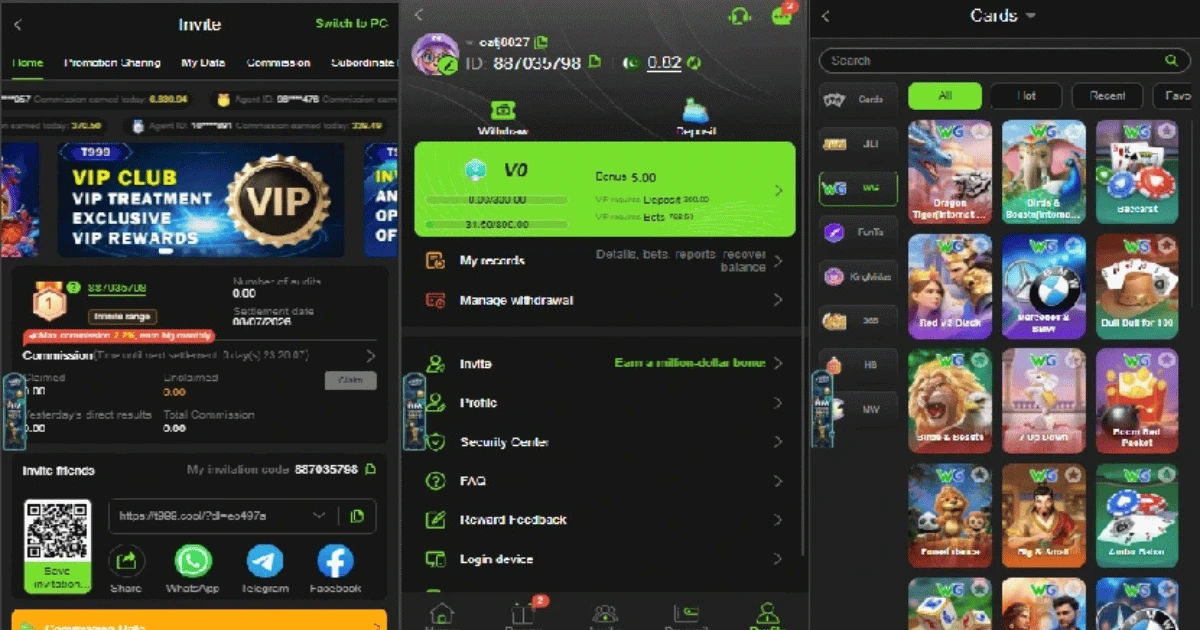
A password is often the first security barrier between your account and someone who wants to access it without permission. Weak passwords can be guessed, reused passwords can be exposed through another website, and simple personal information can sometimes make an account easier to compromise. The good news is that creating a strong password does not have to be complicated.
This guide explains what makes a password secure, how to create one, what mistakes players should avoid, and what additional steps can improve account protection.
Why Password Security Matters for Online Games
An online game account can contain much more than a username. Depending on the platform, it may store game progress, personal information, contact details, purchases, rewards, achievements, or other account-related data.
If another person gains access, they may change the password, alter account settings, use stored information, or even prevent the legitimate owner from logging in.
For players of T999 Game, protecting login credentials should therefore be treated as part of responsible online gaming. A secure password reduces the likelihood that another person can enter an account simply by guessing or obtaining an easily available credential.
Account security also matters because people often use the same email address across multiple services. If a password is reused and exposed somewhere else, an attacker may try that same combination on gaming platforms.
What Makes a Password Strong?
A strong password should be difficult for another person or automated guessing system to predict. Length is one of the most important characteristics.
A password containing only six or seven common characters can be much easier to guess than a longer password containing unrelated words or a randomly generated sequence.
A good password generally includes several security features:
-
Sufficient length
-
A mixture of different character types when supported
-
No obvious personal information
-
No common dictionary phrase
-
No predictable pattern
-
No reuse across important accounts
Instead of thinking only about complicated symbols, think about unpredictability. A long, unique password is generally much better than a short password that simply replaces a few letters with numbers.
For example, a password based on your name, birth year, favorite team, or game username may look different from a normal word but can still be predictable.
How Long Should an Online Game Password Be?
There is no single length that guarantees perfect security, but longer passwords generally provide more possible combinations and are harder to crack through guessing.
When a gaming platform permits it, aim for a password of at least 12 characters. Longer passwords can provide an even stronger security margin.
A passphrase can be an excellent alternative. It can consist of several unrelated words combined into a memorable phrase, preferably with additional variation if the service allows it.
For example, rather than creating a password around your favorite game, you could use several unrelated words that have no obvious connection to you.
The important point is not to copy an example from an article and use it as your actual password. Publicly displayed examples should remain examples only.
Should You Use Special Characters?
Special characters can increase password complexity, particularly when combined with letters and numbers. Symbols such as punctuation marks can add another layer of variation.
However, simply adding an exclamation mark to the end of a common password does not automatically make it strong.
For example, changing a simple password from Dragon123 to Dragon123! does not solve the underlying problem because the main word and number sequence remain predictable.
A stronger approach is to start with a unique, sufficiently long password rather than taking a common password and making a tiny modification.
If you use T999 Game, follow the platform's password requirements and take advantage of the character options it permits.
Avoid Personal Information
One of the easiest password mistakes is using information that other people may know or find online.
Avoid using details such as:
-
Your real name
-
Nickname
-
Date of birth
-
Phone number
-
School or workplace
-
Favorite player's name
-
Family member's name
-
Pet's name
-
Home location
-
Easily identifiable hobbies
People sometimes assume that information is private when it is actually visible through social media profiles or public posts.
A password should not be a puzzle that someone can solve by learning more about you.
Never Reuse Your Gaming Password
Password reuse is one of the most common account-security mistakes.
Suppose you use the same password for a gaming account, email account, social media account, and shopping website. If one of those services experiences a data breach and your password becomes available, criminals may attempt to use the same credentials elsewhere.
This technique is known as credential stuffing.
A unique password for T999 Game means that even if another service you use is compromised, the exposed password should not provide direct access to your gaming account.
Your email account deserves especially strong protection because it may be used to reset passwords for other services.
Use a Password Manager
Remembering a different strong password for every website can be difficult. A password manager can make this much easier.
Password managers are designed to securely store login credentials and can generate random passwords that are difficult to guess.
Instead of remembering dozens of passwords, you generally need to remember one strong master password.
A password manager can also help prevent accidental reuse. When creating a new account, it can generate a unique credential instead of encouraging you to use an old password.
If your gaming platform supports password managers, using one can be a practical way to improve your security without making account management frustrating.
Turn On Two-Factor Authentication
A strong password is important, but it should not be your only defense when additional security features are available.
Two-factor authentication, often called 2FA, requires an additional verification step after the password. Depending on the service, this could involve an authentication application, security key, or another approved verification method.
If someone obtains your password, 2FA can make unauthorized access significantly more difficult.
Check whether T999 Game or the associated account service provides two-factor authentication. If it does, enabling the feature can provide an additional layer of protection.
Keep backup or recovery codes in a secure location rather than sharing them with other people.
Be Careful With Login Pages
Even the strongest password can be exposed if you enter it into a fake website.
Phishing attacks often use messages that appear to come from a legitimate company or gaming platform. The message may claim that your account has a problem, ask you to verify information, or create a sense of urgency.
The provided link may lead to a fraudulent login page designed to steal your credentials.
Before entering your password, check the website address carefully. Avoid logging in through suspicious links sent by unknown accounts.
If you receive an unexpected security message, it is safer to navigate to the official website or application yourself rather than clicking an unfamiliar link.
Never Share Your Password
Your password should be treated as private information.
Do not give it to friends, online teammates, strangers, moderators, or people claiming to provide technical support unless you have independently verified an appropriate official procedure. Legitimate support representatives generally should not need your complete password.
Someone who asks for your password in a private message may be attempting to gain control of your account.
For T999 Game, as with any other online platform, keep your login credentials confidential.
Remember that trust and account security are separate issues. Even if you know someone personally, sharing a password creates unnecessary risk.
Avoid Saving Passwords on Public Computers
Logging into an account on a shared or public computer can create additional risks.
The device could have malicious software, an unsafe browser extension, or a keylogger that records what users type.
If you must access your account from a device you do not control, be especially careful. Do not allow the browser to save your password, and make sure you log out when finished.
Where possible, use your own trusted device for important account activity.
Keep Your Email Account Secure
Gaming account security often depends on email security.
If your gaming account is connected to an email address, someone who gains access to that email may be able to request password resets or receive security notifications.
Therefore, your email password should also be unique and strong. Enable two-factor authentication on your email account whenever the provider offers it.
Review recovery email addresses, phone numbers, and active sessions periodically. Remove access from devices you no longer use.
Protecting the email account can be just as important as protecting the game account itself.
Watch for Suspicious Account Activity
Security is not something you set up once and then forget.
Regularly check for unusual activity. Warning signs can include:
-
Unexpected password-reset messages
-
Login notifications from unfamiliar devices
-
Changes to account settings
-
Unrecognized purchases
-
Unknown linked accounts
-
Messages sent from your account that you did not write
-
Being unexpectedly logged out
If you notice suspicious activity, change the password immediately using the official account-management page.
If you believe the password has been exposed, do not simply modify one character. Replace it with a completely new, unique credential.
Common Password Mistakes to Avoid
Several password habits make gaming accounts unnecessarily vulnerable.
Using Simple Passwords
Passwords such as 123456, password, qwerty, or predictable combinations should never be used for important accounts.
They are extremely common and can be among the first combinations tested by automated systems.
Using the Game Name
Some players include the name of the game in their password because it is easy to remember.
That is not a good security strategy. If someone knows which platform you use, they already know part of the password.
The same applies to usernames and screen names.
Repeating Numbers
Adding 123, 2026, or another predictable number sequence does not provide much protection when the rest of the password is obvious.
Reusing Old Passwords
Even if an old password has never caused problems, reusing it increases risk. A password that was safe several years ago may have been exposed through another service since then.
Writing Passwords Where Others Can See Them
A note containing your password next to your computer is convenient, but it can create an unnecessary physical security risk.
If you need help remembering credentials, a reputable password manager is usually a safer option.
What To Do If Your Password Is Compromised
If you suspect that someone has obtained your password, act quickly.
First, access the account through the legitimate website or application and change the password. Make the replacement completely different and unique.
Next, change the same password anywhere else it was used. If you reused it across several services, treat all of those accounts as potentially affected.
Check account sessions and log out of unfamiliar devices if that option is available.
Enable two-factor authentication and review recovery information.
If you cannot access the account, use the platform's official account-recovery process. Avoid people online who promise to recover an account in exchange for payment or your login credentials.
A Simple Password Security Routine
You do not need to be a cybersecurity expert to develop good habits.
Start by creating a unique, long password for every important account. Store difficult passwords in a trusted password manager if necessary.
Enable two-factor authentication whenever available.
Keep your operating system, browser, and security software updated. Software updates can fix vulnerabilities that attackers might otherwise exploit.
Be cautious with links, attachments, and messages asking for login information.
Finally, review your account security periodically rather than waiting until something goes wrong.
Why Strong Passwords Are Only One Part of Security
A password is important, but account protection involves several layers.
A strong password combined with unique credentials, two-factor authentication, secure devices, careful browsing, and phishing awareness is much more effective than relying on password complexity alone.
Attackers do not always try to guess passwords directly. They may use stolen credentials, fake websites, malicious software, social engineering, or compromised devices.
This is why a complete security mindset is more useful than searching for a single perfect password.
For players who spend considerable time on T999 Game, adopting these habits can help protect their account while allowing them to focus on enjoying the gaming experience.
Conclusion
A secure online game account begins with a password that is long, unique, and difficult to predict. Avoid personal information, common phrases, predictable number sequences, and passwords that you have already used elsewhere.
For T999 Game users, these basic practices can provide a stronger foundation for account security. However, password protection should be combined with other safeguards, especially two-factor authentication when available.
A password manager can make unique credentials easier to maintain, while careful browsing can reduce the danger of phishing scams. Keeping your email account secure is equally important because it may be connected to password recovery.
Most importantly, never share your password with strangers or enter it into suspicious websites. If you believe your credentials have been exposed, change them promptly and review your account for unusual activity.
Good account security does not require complicated technical knowledge. It requires consistent habits. By using a unique password, protecting recovery information, enabling additional security features, and staying alert to suspicious messages, you can substantially reduce common risks.
Ultimately, the best approach to protecting an online gaming account is to think beyond the password itself. A strong password is the first layer, but several carefully maintained security layers provide much better protection.